Bephoto API
Refer to the documentation below to automate your print orders.
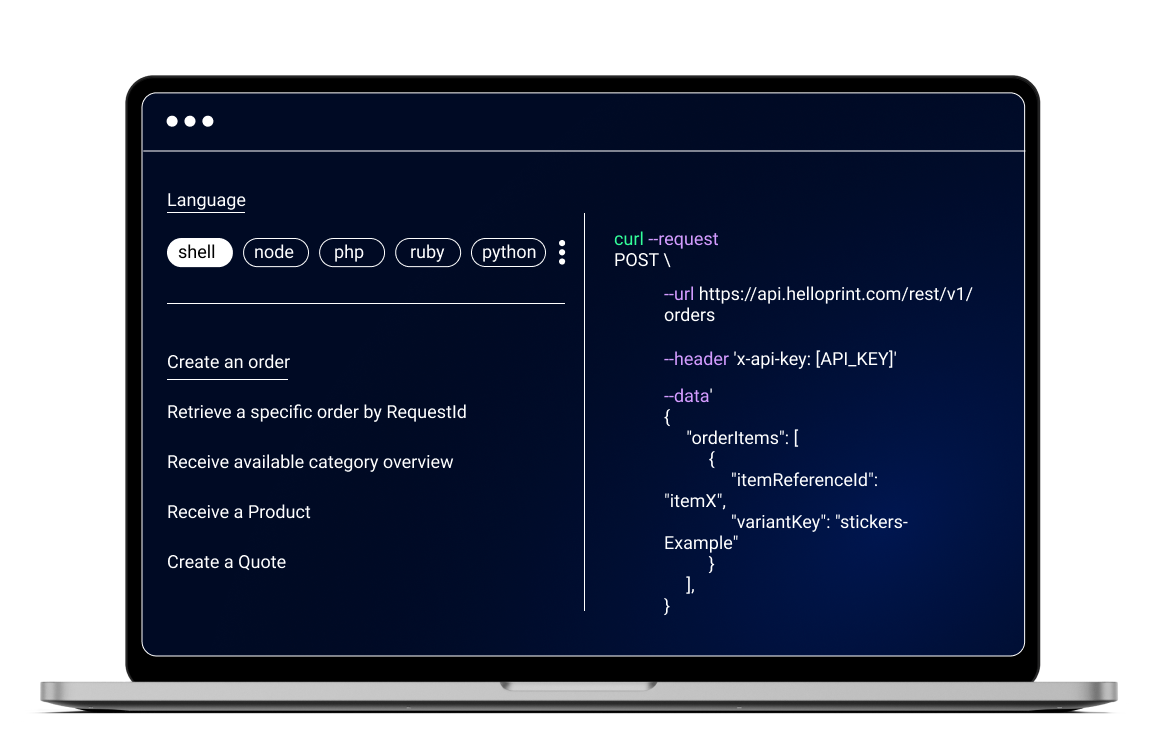
Bephoto API Documentation
Introduction
Sending print orders is done through a REST API. Before being able to make requests to the API, you should first authenticate using the credentials received to obtain an authentication token. The token should be included in the "Authorization" header of every subsequent API request:
Authorization: Bearer <your-authentication-token>Live API URL https://api.bephoto.be
Authentication
Authenticate by calling the /user/login endpoint with your credentials:
POST /user/login { "email": "<string>", "password": "<string>" }Response:
{ "status": 1, "token": "<string>" }Error Response:
{ "error": "Unauthorized" }Parameters sent to the API
- email: The user's email address.
- password: The user's password.
Order Creation
Create a new order by calling /orders with optional metadata. After creating an order, you will receive a unique idorder, which should be used in subsequent calls:
POST /orders { "metadata": "<string>" }Response:
{ "status": 1, "order": [{ "idorder": "<integer>", "datestart": "<timestamp>", "totalorder": "<float>", "totalcost": "<float>", "dateconfirmation": "<timestamp>", "dateprocessed": "<timestamp>", "shippingmethod": "<string>", "metadata": "<string>" }] }Parameters sent to the API
- metadata: Custom metadata associated with the order. Max length: 255 characters.
Fetching Order
Fetch information for an order by calling /orders/{IDORDER}:
GET /orders/{IDORDER}Response:
{ "status": 1, "order": [{ "idorder": "<integer>", "datestart": "<timestamp>", "totalorder": "<float>", "totalcost": "<float>", "dateconfirmation": "<timestamp>", "dateprocessed": "<timestamp>", "shippingmethod": "<string>", "metadata": "<string>" }] }Parameters sent to the API
- idorder: The unique ID of the order.
Fetching Products
Get a list of available print products by calling /products:
GET /productsResponse:
{ "status": 1, "products": [{ "idproduct": "<integer>", "product": "<string>", "dimensions": "<string>", "prices": [{ "price": "<float>", "idpaper": "<integer>" }] }] }Parameters sent to the API
- idproduct: The unique ID of the product.
- dimensions: The product dimensions (in millimetres).
- prices: The prices associated with the product, with the paper type ID.
Adding Products
Add products to your order by sending a POST request to /orders/{IDORDER}/products:
POST /orders/{IDORDER}/products { "idproduct": "<integer>", "idpaper": "<integer>", "quantity": "<integer>", "fileurl": "<string>", "filename": "<string>", "filesize": "<integer>" }Response:
{ "status": 1 }Parameters sent to the API
- idproduct: The unique ID of the product to add.
- idpaper: Paper type ID (1 for glossy, 2 for lustre).
- quantity: Quantity of product to add.
- fileurl: Public URL of the image file to print. The file must be in JPEG format and remain available during order processing.
- filename: Name of the image file to print.
- filesize: File size in bytes.
Confirming Order
Once all products are added, close the order by calling /orders/{IDORDER}/close:
POST /orders/{IDORDER}/close {}Response:
{ "status": 1 }Parameters sent to the API
- idorder: The unique ID of the order.